A Practical Guide to Workflow Automation for Small Businesses
Averything.AI Team
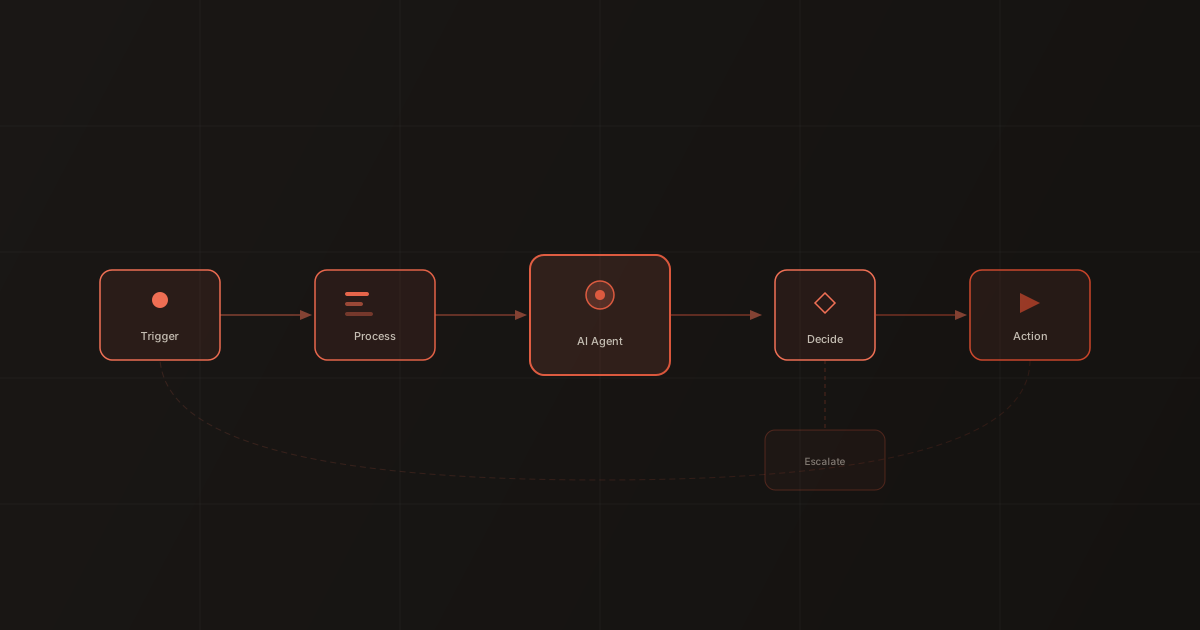
Most workflow automation content is written for companies with dedicated ops teams and six-figure software budgets. If you're running a business with 5-50 people, that advice is useless. You don't have a "process engineer." You have people wearing four hats who need things to stop falling through the cracks.
This guide is for you.
Start with the pain, not the technology
Before you look at any tool, answer one question: what's the thing that, if it stopped breaking, would make the biggest difference to your week?
Common answers from small businesses:
- "We lose track of leads that come in after hours"
- "Scheduling back-and-forth eats two hours a day"
- "Invoices go out late because nobody remembers to send them"
- "New employee onboarding is a mess every single time"
- "Customer follow-ups fall through the cracks"
Pick one. Just one. That's your first automation.
Map the process in plain language
Don't draw a flowchart. Write it out like you're explaining it to a new hire:
"When someone fills out the contact form on our website, we need to send them a confirmation email within 5 minutes, add them to our CRM with the source tagged as 'website', notify the sales team in Slack, and if they indicated they need a demo, schedule a follow-up email for the next business day."
That paragraph is your automation spec. Every sentence becomes a step.
The three types of workflows worth automating
1. Trigger-response workflows
Something happens, and the system responds immediately. These are the simplest and highest-value automations for small businesses.
Examples:
- New form submission → confirmation email + CRM entry + team notification
- New customer payment → receipt + onboarding sequence triggered
- Support email received → categorized + routed to right person + auto-response sent
Why they matter: These are the tasks that need to happen every time, immediately, and they're the ones most likely to get dropped when your team is busy.
2. Scheduled workflows
Actions that need to happen on a recurring basis.
Examples:
- Every Monday: pull last week's sales data, format a summary, send to team
- Every day at 5pm: check for unpaid invoices over 30 days, send reminders
- Every month: generate usage report for each client, email it
Why they matter: These tasks aren't hard — they're just easy to forget. Automating them means they happen on time, every time, without anyone's willpower involved.
3. AI-assisted workflows
Workflows where a step requires judgment, interpretation, or generation — tasks that traditional automation can't handle.
Examples:
- Inbound email → AI reads it, determines intent, drafts a response, routes to human for review
- Job application received → AI evaluates against requirements, scores fit, prepares summary for hiring manager
- Customer feedback submitted → AI categorizes sentiment and topic, adds to tracking spreadsheet, flags urgent items
Why they matter: These are the workflows you've been told "can't be automated." With modern AI agents, they can — at least partially. The agent handles the cognitive load; the human makes the final call.
Building your first workflow
Let's build a real example: automating inbound lead handling.
The problem: Leads come in through the website form. Someone checks the submissions a few times a day, manually adds them to the CRM, sends a welcome email, and notifies the team. Leads that arrive after 5pm don't get touched until the next morning.
The automated version:
Step 1: Trigger. Website form submission fires a webhook.
Step 2: Enrich. The automation pulls the submitter's company info from their email domain. Now you know company size, industry, and location before anyone touches it.
Step 3: CRM entry. Contact created automatically with all form fields + enrichment data. Source tagged. Timestamp recorded.
Step 4: Smart routing. If the lead is in an industry you specialize in, route to your specialist. Otherwise, round-robin across the sales team.
Step 5: Instant response. AI agent sends a personalized confirmation email within 60 seconds. Not a generic autoresponder — a message that references their specific inquiry and sets expectations for next steps.
Step 6: Team notification. Slack message to the assigned salesperson with full context: who the lead is, what they asked about, company details, and a suggested next action.
Total build time: 2-4 hours for someone with no automation experience. Once it's running, it handles every lead the same way — at midnight on Saturday or 10am on Tuesday.
Common mistakes to avoid
Over-automating too early. If you automate a broken process, you just break things faster. Fix the process first, then automate it.
Building for edge cases before you build for the common case. Your first automation doesn't need to handle every possible scenario. Build for the 80% case. Handle the rest manually until you understand the patterns.
Not monitoring. Set up a simple weekly check: How many times did the workflow run? How many times did it fail or need human intervention? What went wrong? Fifteen minutes of monitoring prevents hours of cleanup.
Choosing tools based on features instead of reliability. The best automation tool is the one that runs without you thinking about it. Prioritize reliability and simplicity over feature count.
The compound effect
Here's what small businesses consistently underestimate: the compound effect of even basic automation.
If you save 30 minutes per day on lead handling, that's 10 hours per month. Over a year, that's 120 hours — three full work weeks. But the real gain isn't the time saved. It's what happens with that time: faster follow-ups, more consistent customer experience, fewer dropped balls, and a team that spends energy on work that actually requires their judgment.
Start with one workflow. Get it right. Then build the next one. In six months, you'll wonder how you operated without it.
Is your business ready for AI agents?
Take our 2-minute assessment. Get a personalized readiness score and specific recommendations for where AI can have the most impact on your operations.